The dealership CRM that keeps each customer, car, and deal together.
DealerSpot's CRM is built into the same system as your inventory, deals, and website. Leads from your site land as contacts, test drives go on a shared calendar, and every note and deal stays on the customer's record.
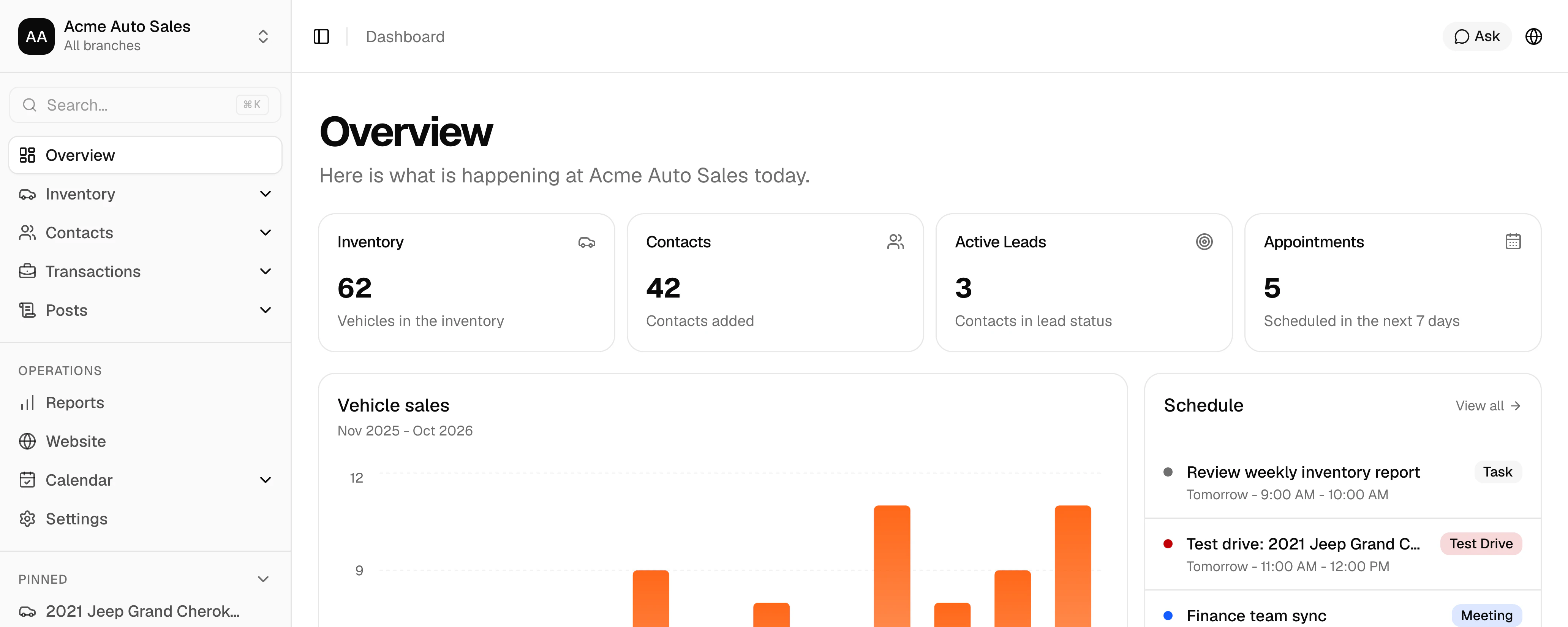
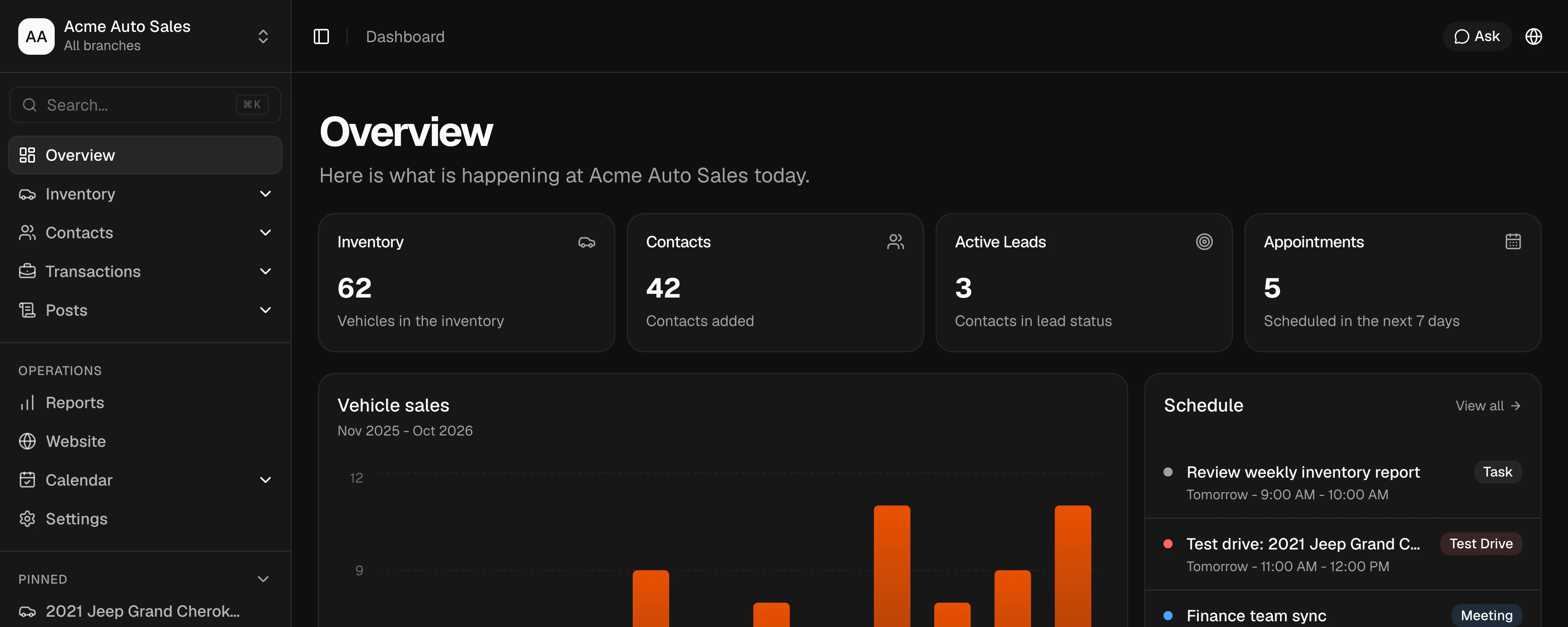
Follow every customer from first inquiry to signed deal.
No copying names between a lead tool, a desking tool, and a calendar. Each contact connects to the vehicles they want and the deals they close.
Website leads land in your CRM
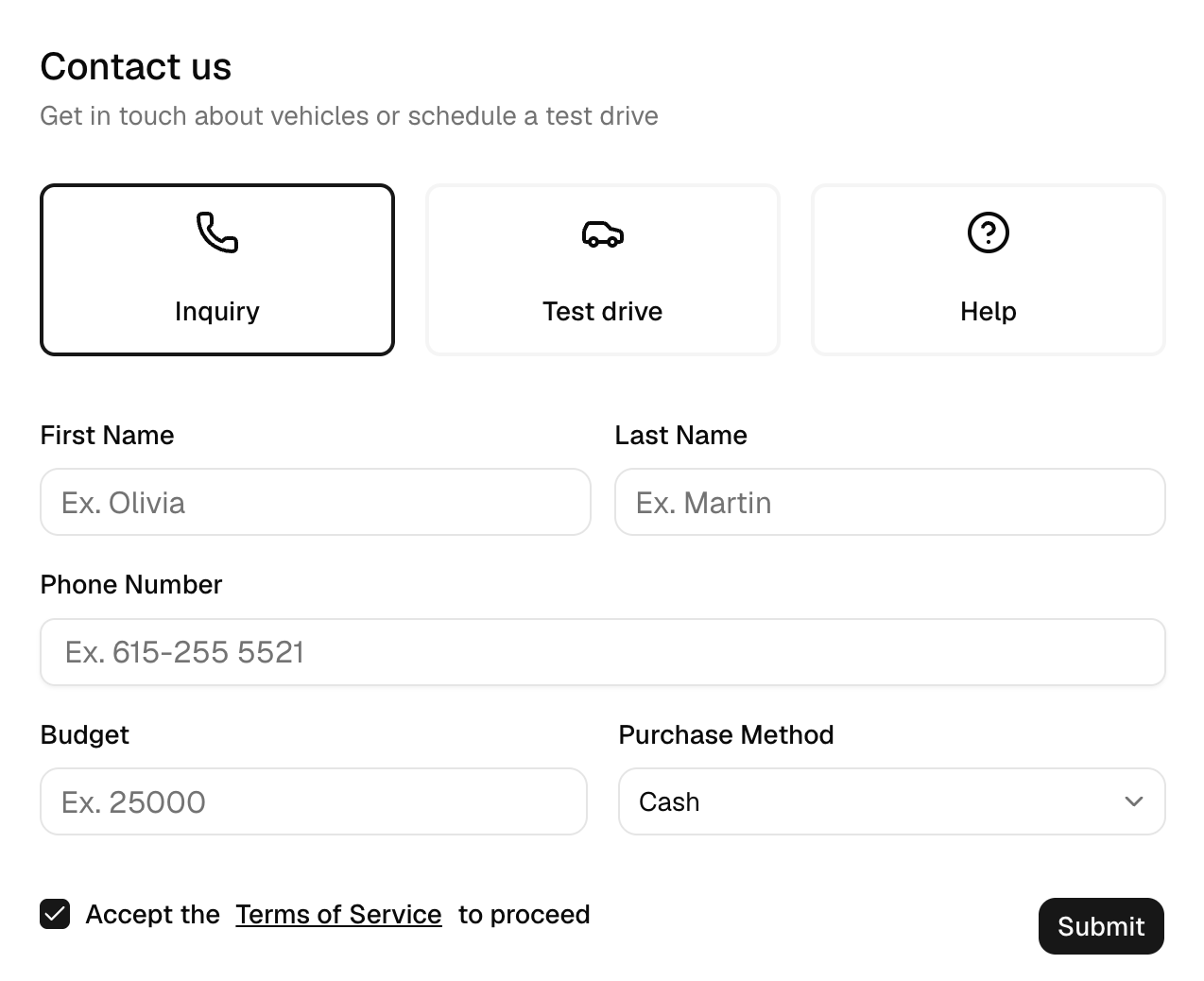
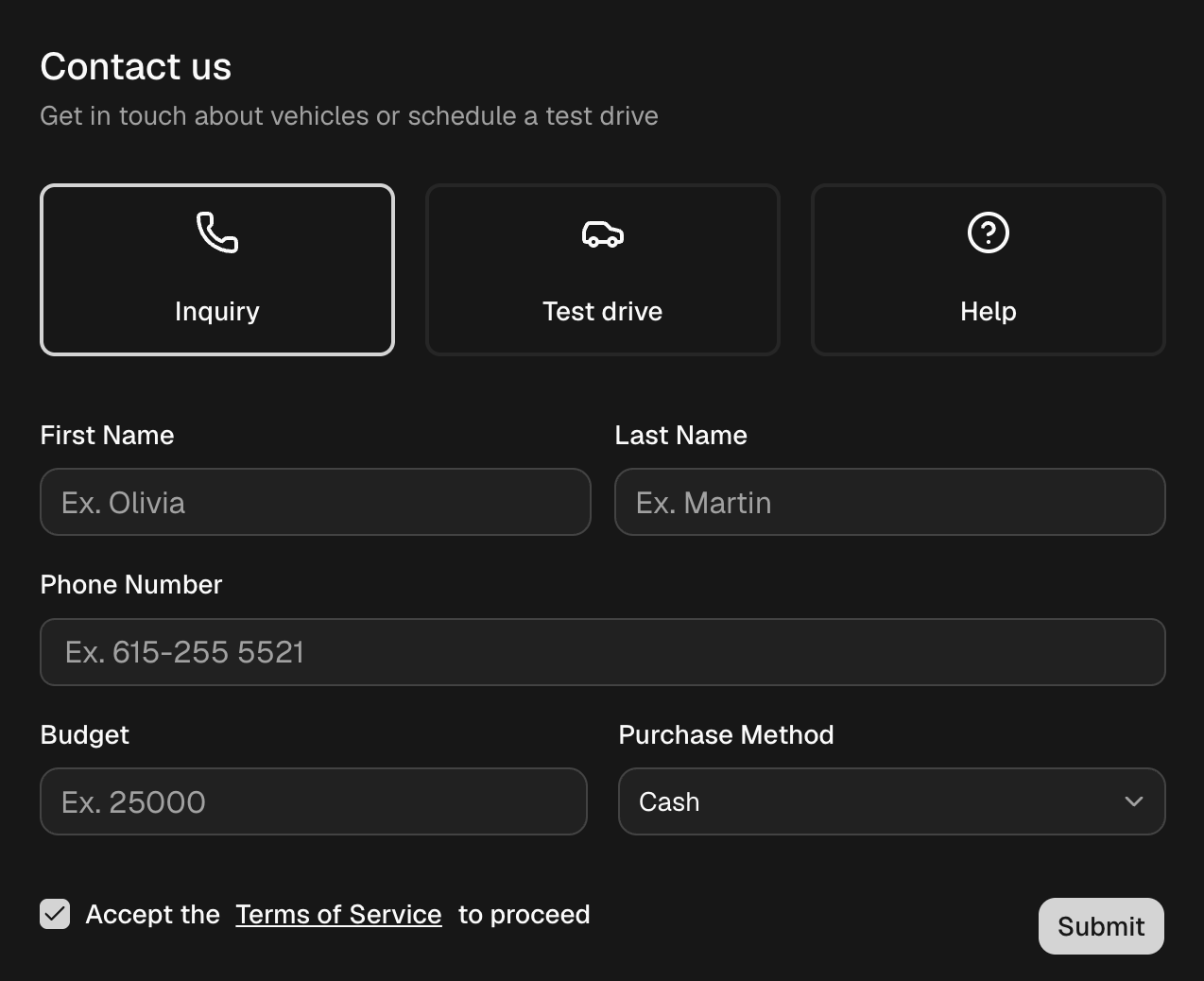
When a shopper asks about a car, asks for help, or requests a test drive on your DealerSpot website, a Lead is created with their details, budget, purchase method, and the vehicles they picked. Test-drive requests add a pending event to your calendar, and Owners and Admins get notified.
One timeline for the whole team
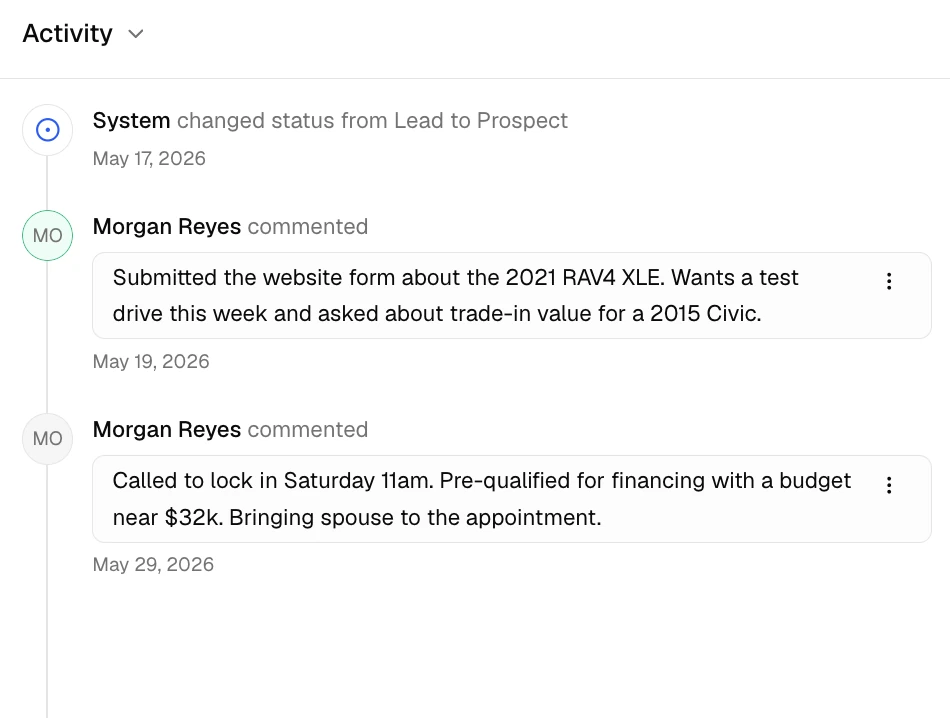
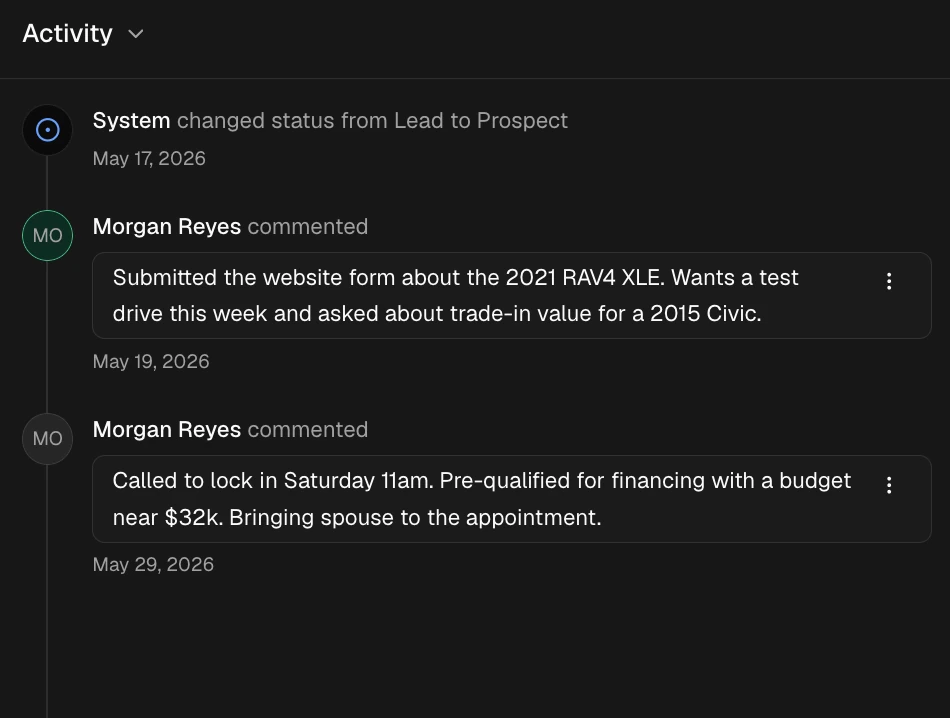
Mark each contact as a Lead, Prospect, or Customer and track where they came from: walk-in, phone, website, social, or referral. Notes, @mentions, and status changes stay on the record, so whoever picks up the customer knows what was said.
Test drives and follow-ups on a shared calendar
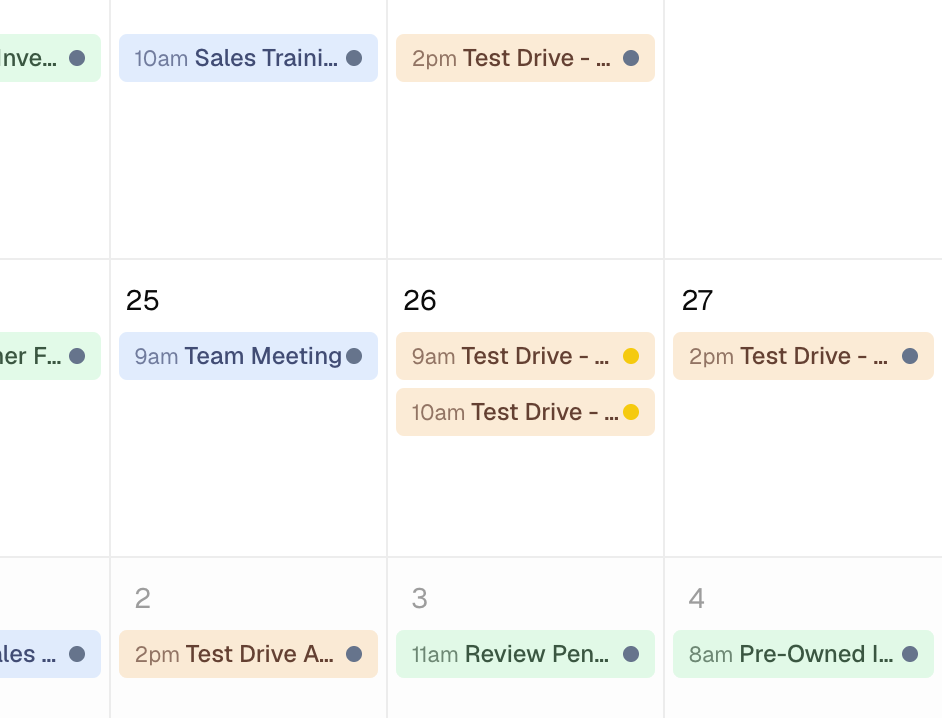
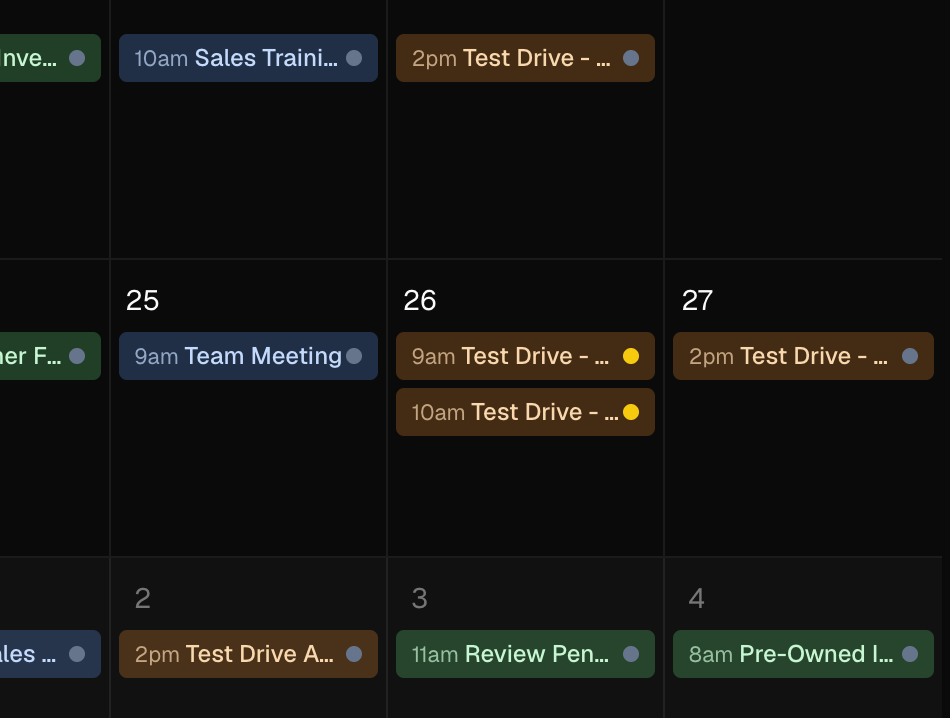
Schedule meetings, test drives, and tasks, then link them to the customer and the vehicle. Assign an event to a teammate and they get an in-app notification.
From lead to customer in one place
Start a deal from the contact and the vehicle, add a co-buyer and a trade-in, and work out sales tax. Completing the deal moves its buyers to Customer.
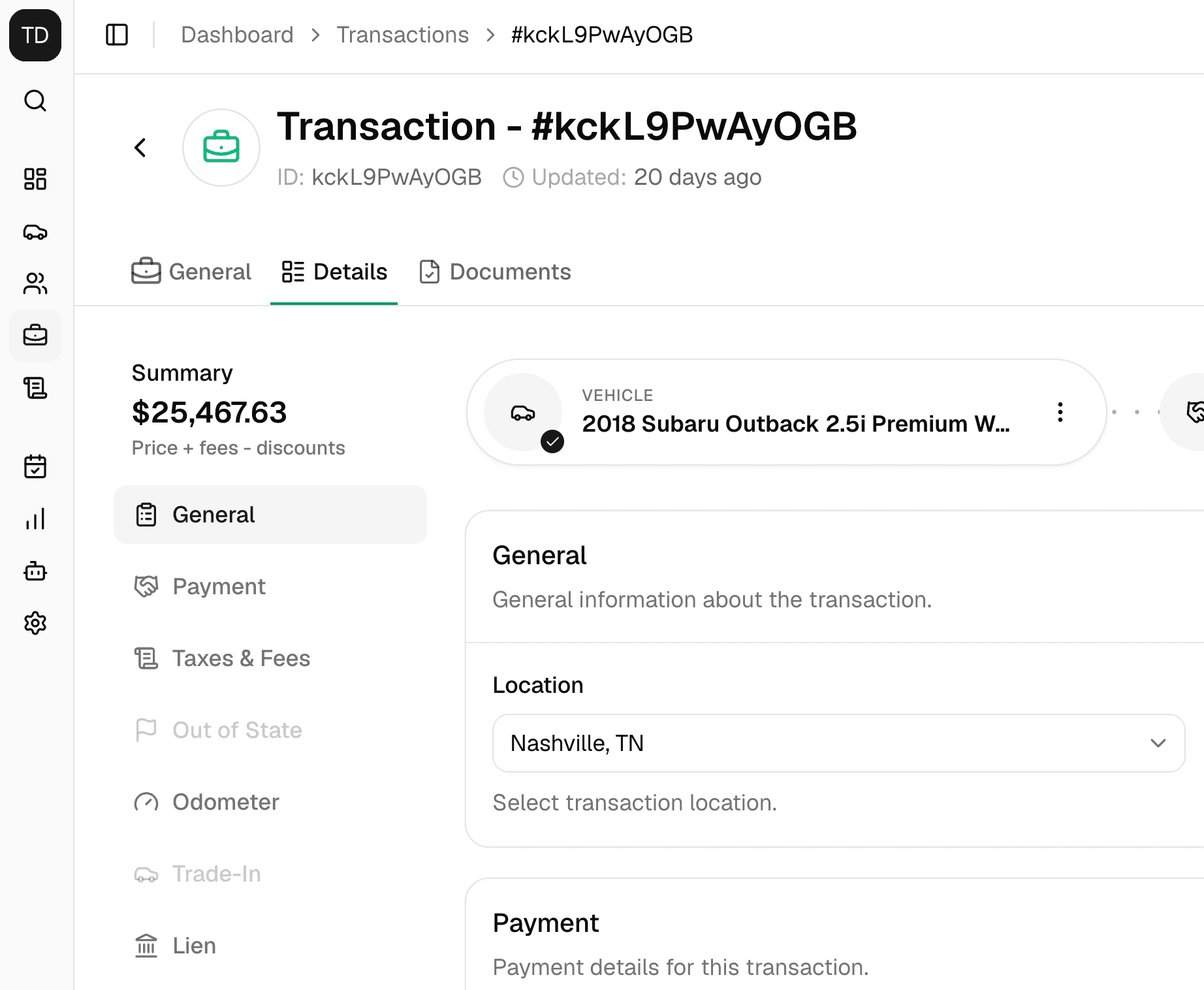
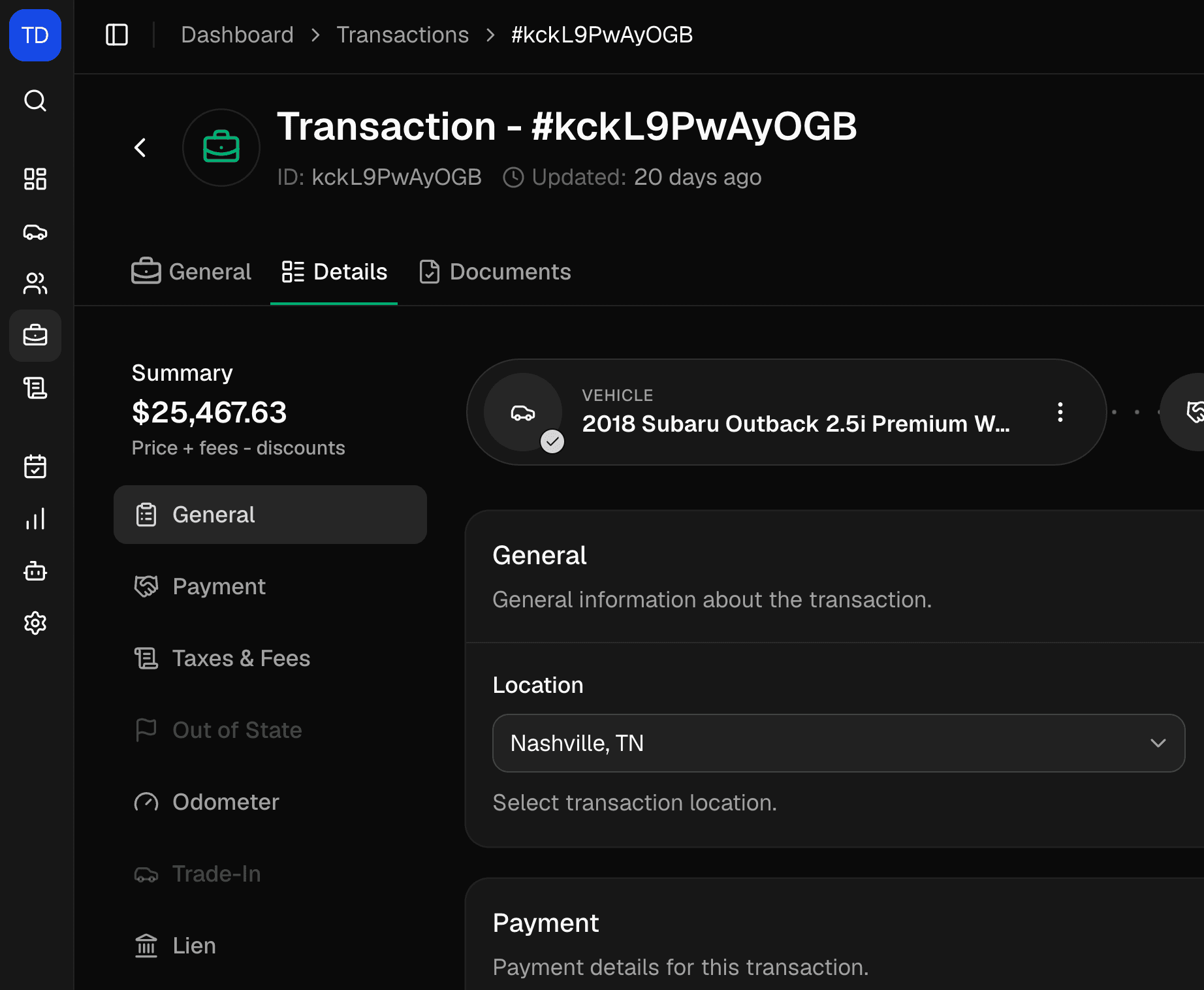
More reasons dealers use DealerSpot as their CRM.
Everything below is included on Standard and Professional plans.
- Unlimited contacts
- Both plans include unlimited contacts. Add people or businesses, with business details like EIN and authorized signer.
- Filters that match how dealers sell
- Filter contacts by status, lead source, preferred purchase method, vehicle preferences, location, and date created.
- Custom fields
- Add the extra details your store tracks on each contact, then filter your list by them.
- Ask Spot
- Ask Spot, the built-in AI assistant, to find a customer, add a note, or book a test drive. It asks you to approve deletes and moves, and checks with you before editing.
- Multi-location ready
- Each location keeps its own contacts, and Members only see the locations they're assigned to. Move contacts between locations in bulk.
- English, Spanish, and Arabic
- Each team member can use the dashboard in English, Spanish, or Arabic, and your website can show shoppers all three.
Dealership CRM questions.
Straight answers about what the CRM does today.
A dealership CRM (customer relationship management system) keeps track of the people who might buy from you: who they are, which cars they want, what your team told them, and what happens next. In DealerSpot, the CRM is part of the same system as your inventory, deals, and website, so you don't pay for and sync a separate tool.
Yes. Standard and Professional both include the CRM with unlimited contacts. Plans differ in vehicle and deal limits, AI usage, team size, and custom domains. Both start with a 30-day free trial.
Not yet. DealerSpot doesn't send texts or emails to customers. The call and email buttons on a contact open your phone or email app, and you can log the conversation as a note. Shoppers on your website can call or text you from the contact button.
Not automatically. Add a follow-up as a Task on the shared calendar and assign it to a teammate, who gets an in-app notification when you assign it. DealerSpot doesn't send scheduled reminders.
There's no import tool yet. Contacts come in from your DealerSpot website, are added by your team, or are created by asking Spot.
Owners and Admins see every location. Members only see the locations they're assigned to.