Dealership inventory management software for independent lots.
Add a car by VIN, track every dollar you put into it, and list it on your website the moment it's ready. DealerSpot keeps each vehicle's details, photos, costs, documents, and deals on one record.
From the auction lane to sold.
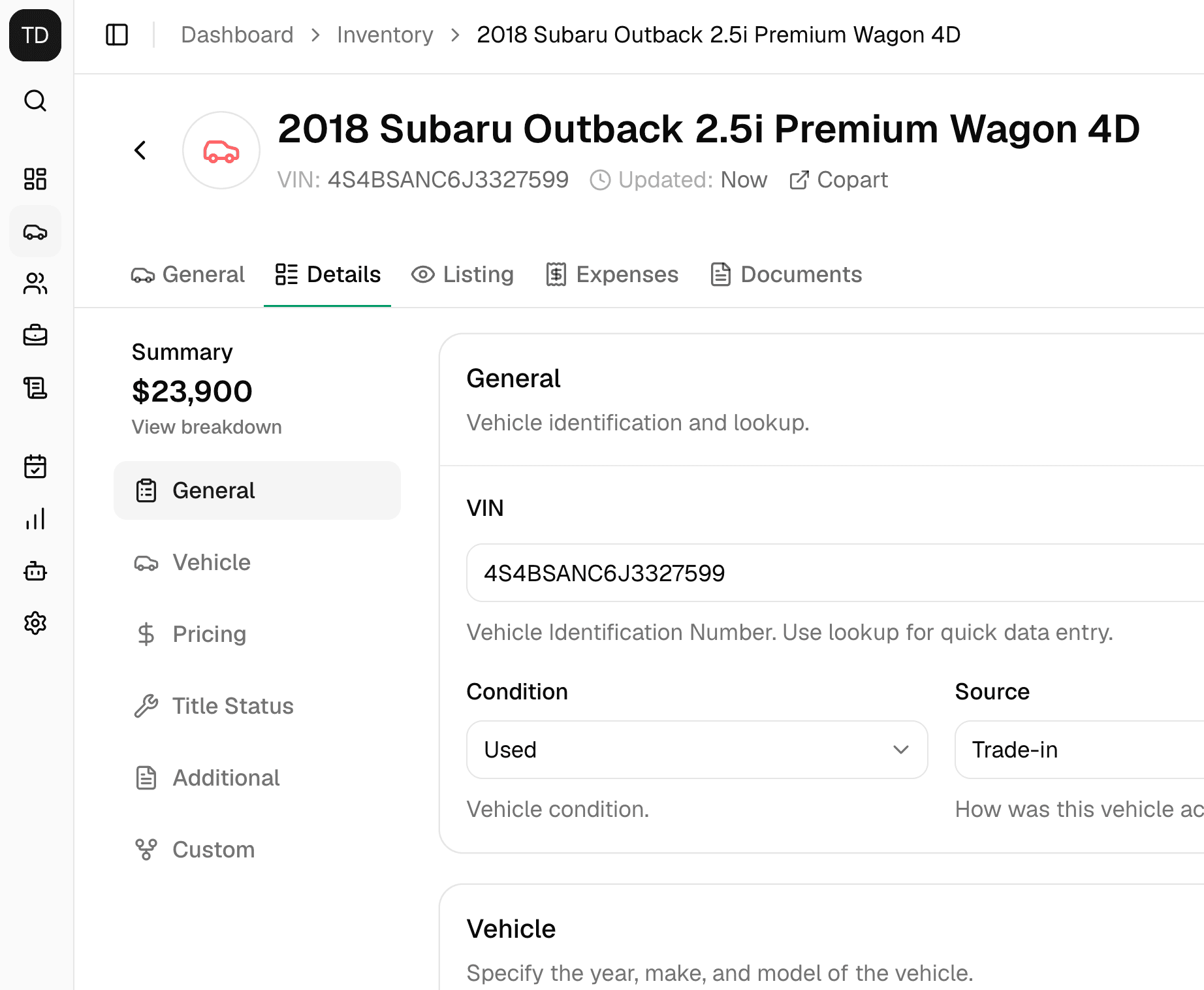
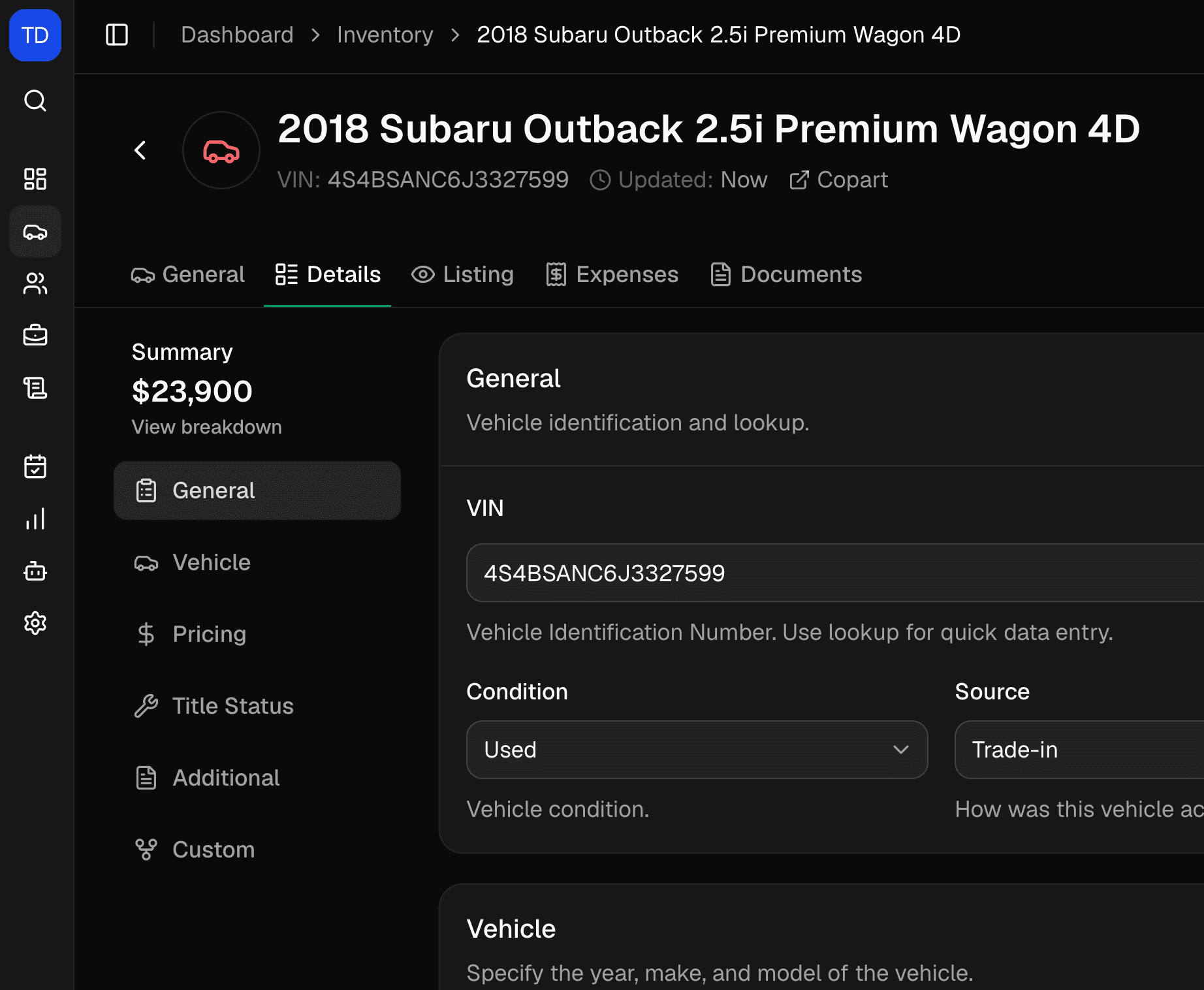
Enter a 17-character VIN and DealerSpot fills in what a national vehicle database returns, like year, make, model, and trim. Then add the details that make your car different: condition, title status, how you acquired it, and auction lot details.
Know what each car cost you
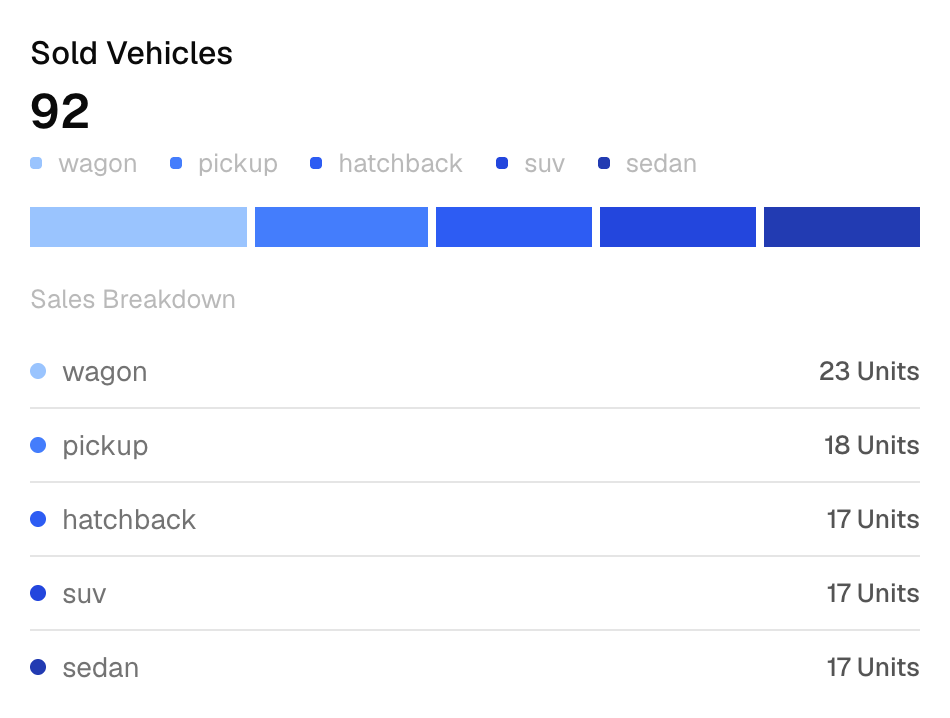
Log acquisition, repair, labor, parts, detailing, and storage costs on the vehicle and mark each one paid or unpaid. Reports show days in stock, average days to sell, and profit after the costs you recorded, by location and date range.
Listed cars show up on your website
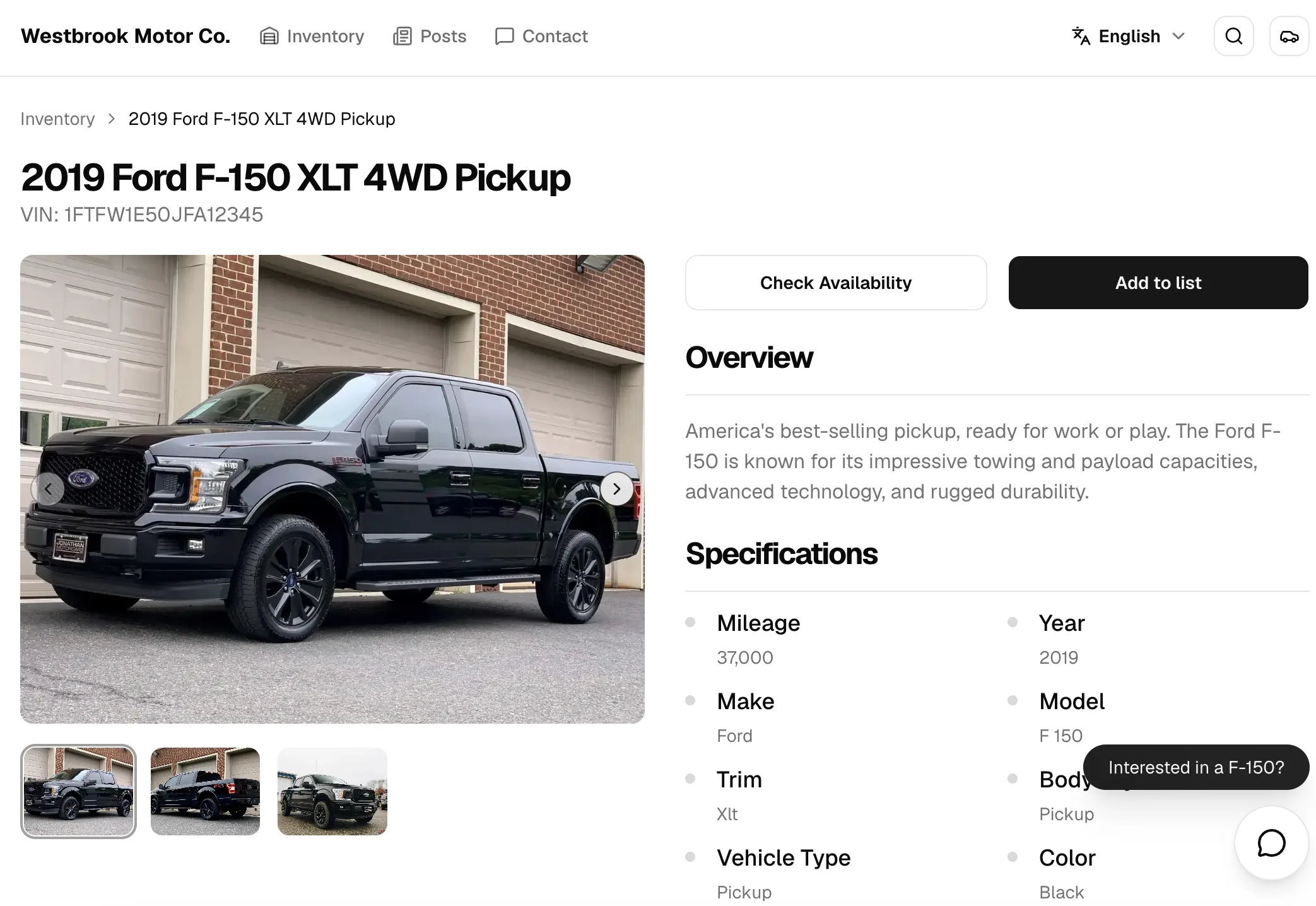
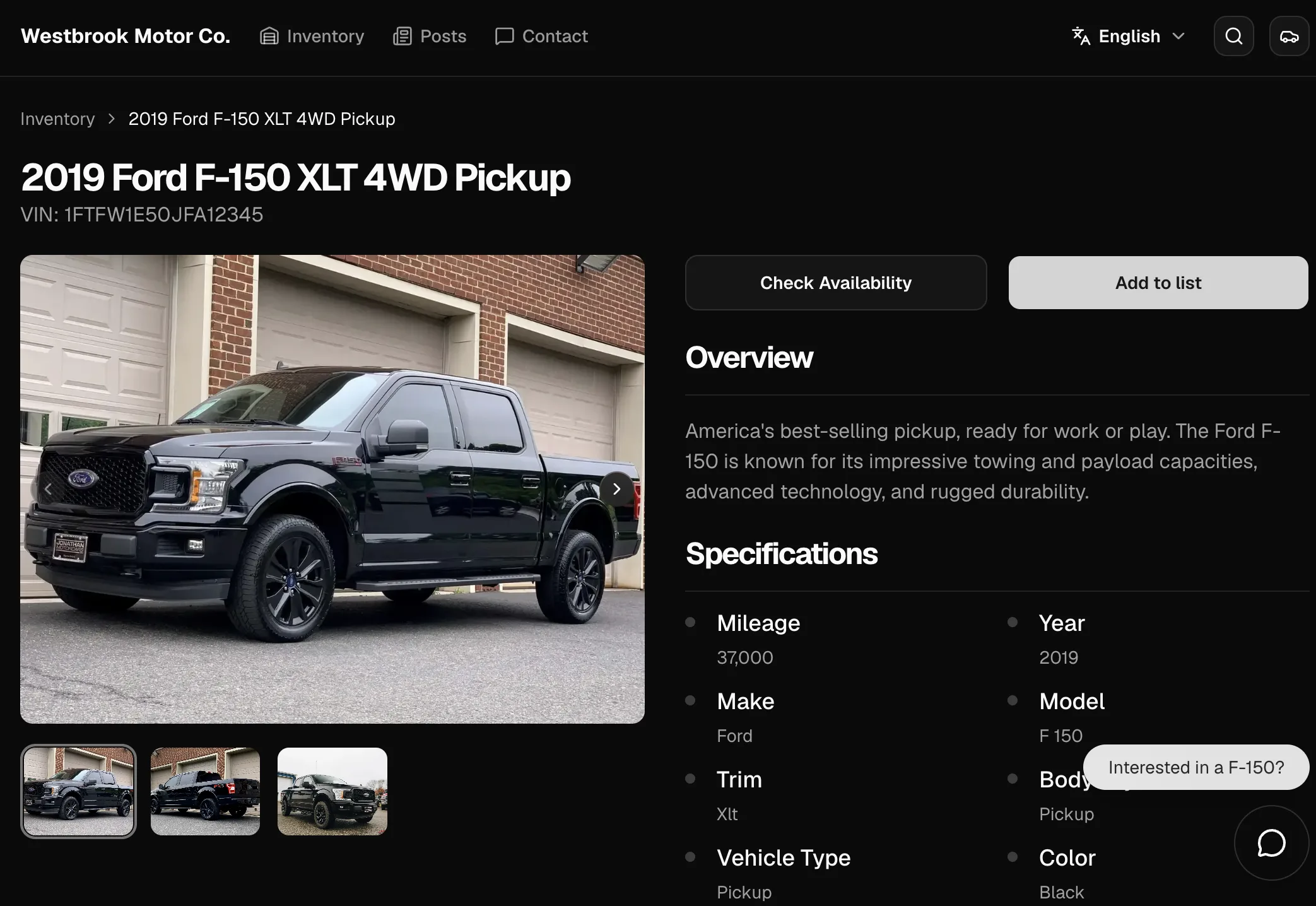
Set a vehicle to Listed and it appears on your DealerSpot website with photos, specs, and price. Mark it Sold and it comes off. Shoppers can search and filter by year, make, model, and the custom fields you choose to show.
Import from auctions, post to Facebook Marketplace
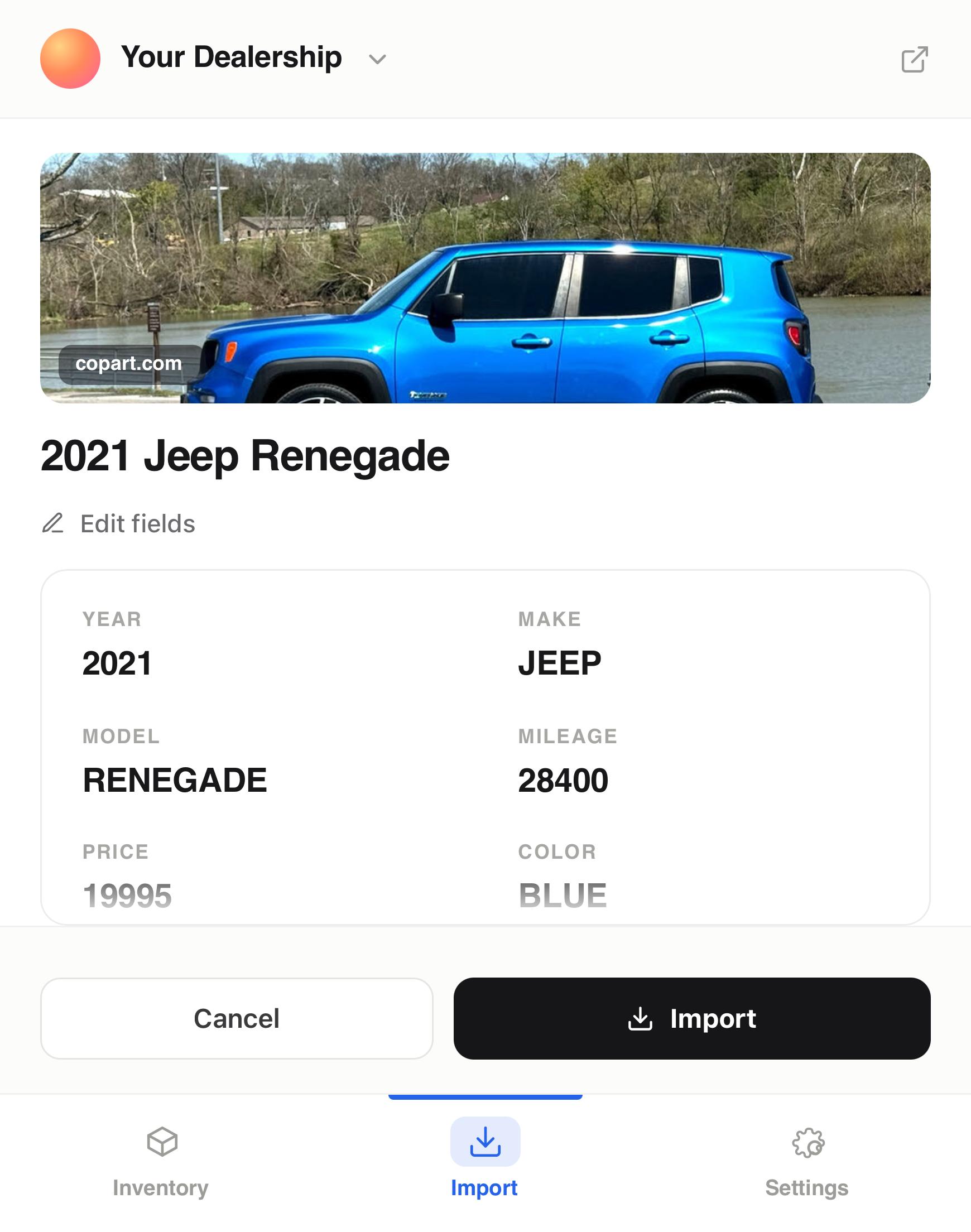
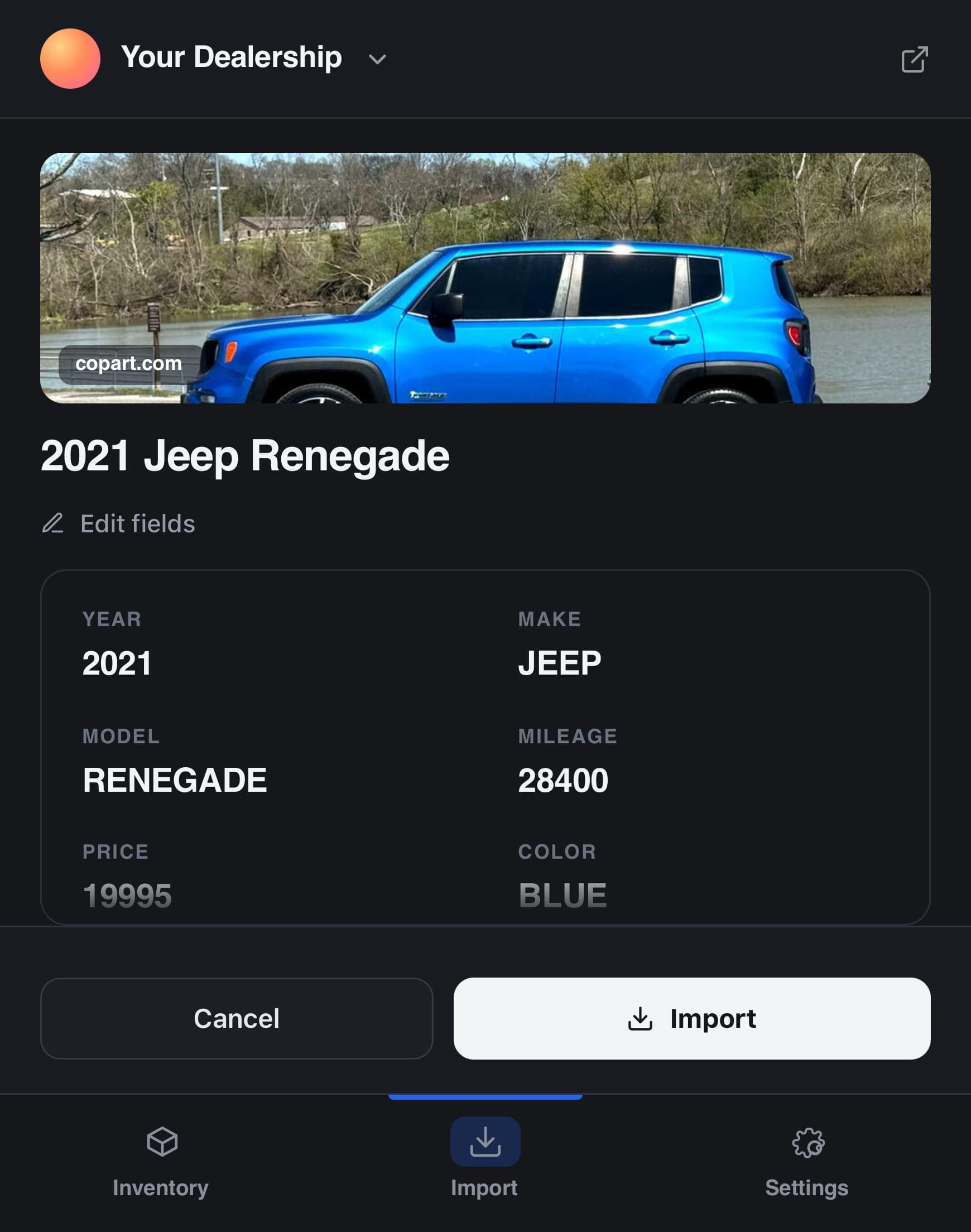
The DealerSpot Chrome extension imports vehicle details and photos from Copart, IAAI, cars.com, Autotrader, and Carfax pages as drafts. With the paid extension add-on, it also fills in your Facebook Marketplace listings.
Everything else on the vehicle record.
Included on Standard and Professional plans.
- Window stickers and Buyers Guides
- Generate a window sticker from the vehicle record. The FTC Buyers Guide prints with the deal paperwork.
- Draft, Listed, Sold
- Three clear statuses, with bulk status changes, bulk moves between locations, and bulk delete.
- Custom fields
- Track extra details like key tag or lot row. Choose which fields stay internal and which show on your website.
- Multiple lots
- Run each lot as its own location with its own inventory and website, and move cars between them.
- Ask Spot
- Ask Spot, the built-in AI assistant, to find a car, draft a listing title and description, or log a repair cost.
- Vehicle documents
- Keep photos, notes, and non-sensitive files with the car, and pin the vehicles you're working on.
Inventory management questions.
What DealerSpot's inventory tools do today, and what they don't.
Professional has no vehicle limit. Standard includes up to 40 vehicle records, and Draft and Sold vehicles count toward that limit. Both plans start with a 30-day free trial.
No. DealerSpot doesn't send listing feeds to third-party marketplaces. Listed vehicles appear on your DealerSpot website, and the Chrome extension add-on fills in Facebook Marketplace listings for you.
Not yet. There's no spreadsheet or DMS import. Add vehicles by VIN, import them one at a time from Copart, IAAI, cars.com, Autotrader, or Carfax with the Chrome extension, or ask Spot to create them.
Yes. Add each repair, labor, parts, detailing, or storage cost to the vehicle. Costs flow into the Profit Analysis and Operation Costs reports, with a cost breakdown for each vehicle.
No. DealerSpot doesn't connect to pricing or valuation tools such as Kelley Blue Book, Black Book, or Manheim Market Report. You set the asking price.